Escuchar artículo:
De un vistazo
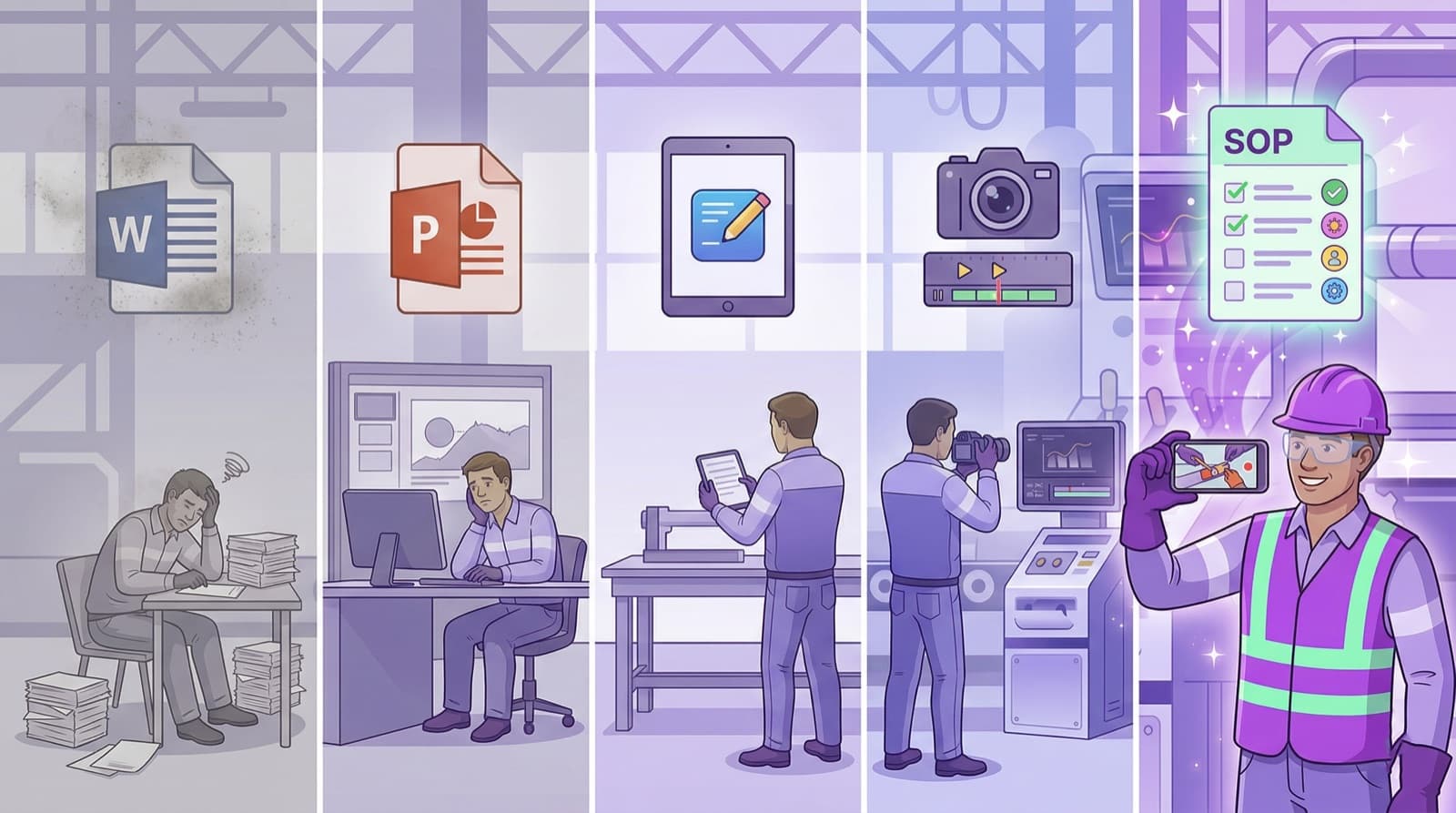
- 1.Scribe, Tango, and Guidde are screen-recording tools: they capture clicks on the screen, not hand movements at the machine.
- 2.For physical processes in manufacturing, assembly, maintenance, or the cleanroom, screen recording cannot work by design.
- 3.The fitting alternative is Video-to-SOP: a smartphone video of the real workflow is turned by AI into a structured work instruction.
- 4.Decision rule: on-screen process → Scribe class. Physical process → Video-to-SOP class.
Scribe, Tango, and Guidde are excellent — for on-screen processes. At the machine, on the assembly line, and in the cleanroom they capture nothing. Anyone documenting physical workflows needs a different category of tool.
Anyone searching for an "alternative to Scribe" or "Tango for production" runs into a fundamental misunderstanding. Scribe, Tango, and Guidde are excellent tools — but for a different job: they record what happens on a screen. An operator servicing a pump, laying a weld seam, or gowning up in the cleanroom produces no clicks. For physical processes you need a different category of SOP software.
Why screen recording fails at the machine
Screen-recording tools like Scribe or Tango work by capturing mouse clicks, keystrokes, and screen changes and building a step-by-step guide with screenshots from them. That is ideal for software onboarding, CRM processes, or office workflows — anywhere the process takes place inside the computer.
A physical process has no clicks. When a maintenance technician changes a bearing, there is no screen that knows the correct torque sequence, no keystroke that captures the sound of a worn bearing. This very knowledge — hand movements, tool handling, safety-critical moments — is the core of every industrial work instruction. It lies entirely outside what a screen recorder can see.
Scribe, Tango, Guidde, and Soperion compared
The difference is not a question of quality but of the job. The following table classifies the well-known tools by their actual area of use — screen versus the physical world.
| Tool | Captures | Suitable for | Physical processes? |
|---|---|---|---|
| Scribe | On-screen clicks | Software, office, CRM | No |
| Tango | On-screen clicks | Software workflows | No |
| Guidde | Screen + screencast | SaaS onboarding | No |
| Soperion | Smartphone video of real workflows | Manufacturing, assembly, maintenance, cleanroom | Yes |
The alternative for physical processes: Video-to-SOP
Instead of on-screen activity, Video-to-SOP records the real process: the most experienced operator demonstrates the workflow, a colleague films with a smartphone and describes what is happening. An AI analyzes image and audio and produces a complete SOP with step images, safety markings, and quality checks — in minutes instead of hours.
This lets Soperion cover exactly the area the Scribe class cannot reach: processes where hands, tools, and machines are at the center. Faces are anonymized automatically (GDPR-compliant), and the finished instruction is available via QR code directly at the workplace — without an app, without a login.
Which alternative fits which process?
The decision is simpler than the variety of tools suggests. If the process takes place on screen — operating software, entering data, navigating a system — a screen-recording tool of the Scribe class is right. If the process takes place in the physical world — on the line, at the machine, on the patient, in the warehouse — there is no way around Video-to-SOP. Many industrial operations need both: Scribe for the IT processes in the office, Soperion for everything on the shopfloor.
Preguntas frecuentes
- What is the best alternative to Scribe for production?
- For physical production processes, a Video-to-SOP solution like Soperion is the fitting alternative. Scribe captures on-screen clicks; in production the process takes place at the machine, where there are no clicks. Soperion instead analyzes a smartphone video of the real workflow.
- Can Scribe or Tango document physical processes?
- No. Both tools record on-screen activity — mouse clicks, keystrokes, window changes. A physical process such as maintenance or assembly produces no on-screen events and therefore cannot be captured.
- Do I need both types of tool?
- Often yes. For software and office processes in the office, a screen-recording tool makes sense. For all physical workflows on the shopfloor you need Video-to-SOP. The two categories do not compete, they complement each other.