Escuchar artículo:
De un vistazo
- 1.The biggest problem with traditional SOPs is not their content — it is their availability at the point of work.
- 2.Every Soperion SOP automatically gets a unique QR code that always points to the latest version.
- 3.The sticker on the machine never needs to be replaced — even if the SOP is updated ten times.
- 4.Temporary workers, subcontractors, and visitors can use SOPs without a company account and without an app.
A small QR code on every rolling stand, every autoclave, every assembly line. Scan, see, work — no app, no login, no password.
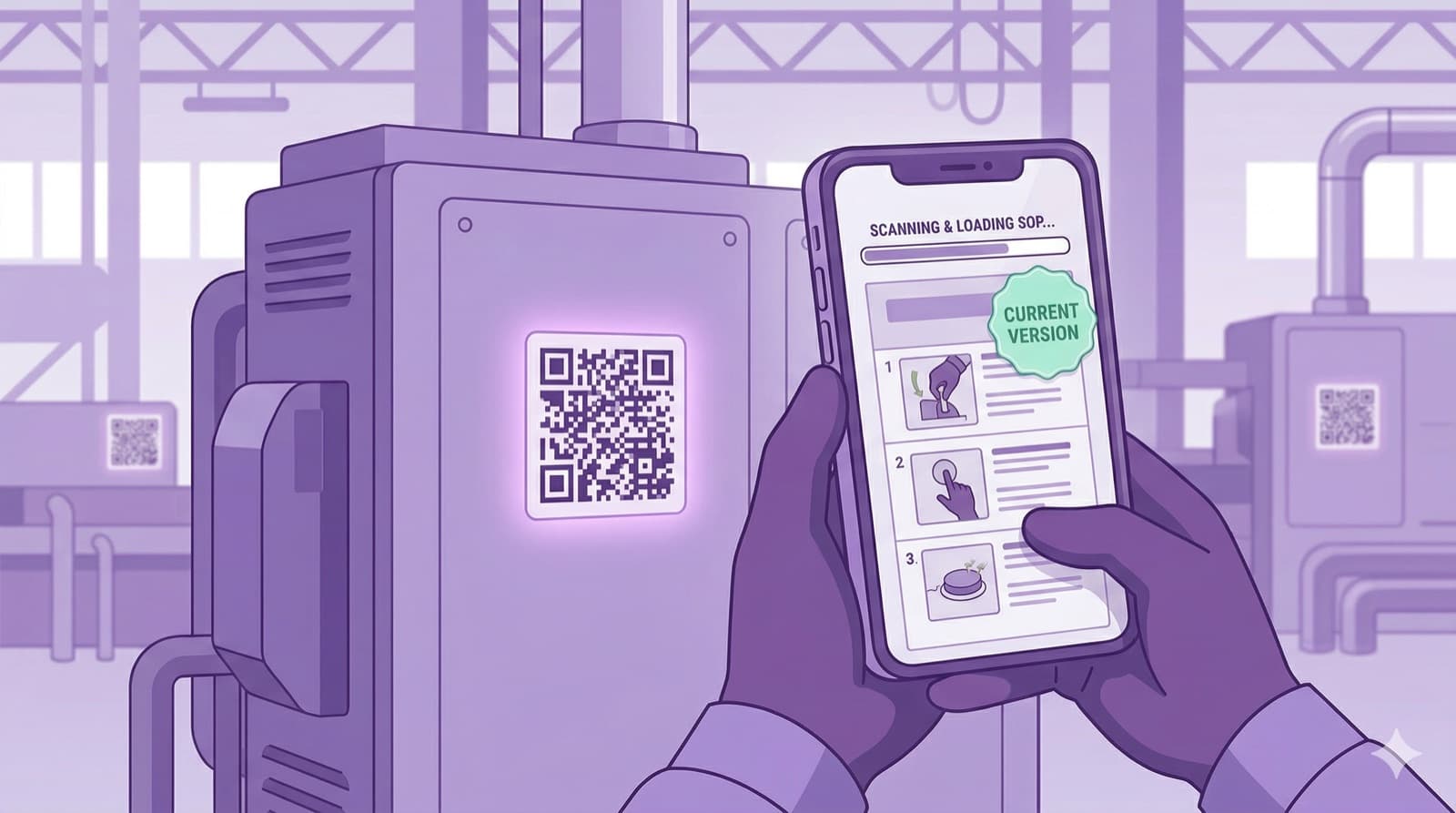
Picture this: a small QR code on every machine. An operator — whether an experienced technician or a new temporary worker on day one — scans it with their smartphone and immediately sees the current work instruction with step-by-step images. No app download, no login, no hunting around in SharePoint. That is QR-code-based documentation, and Soperion makes it happen.
Why the SOP belongs at the machine — not in the office
The biggest problem with traditional work instructions is not their content — it is their availability. They live as a PDF on SharePoint, as a Word file on a network drive, as a printout in the QA binder, or at best as a laminated sheet on a pinboard that has not been updated for three years. All of these places have one thing in common: the operator does not have the SOP in the moment they need it — namely right at the machine.
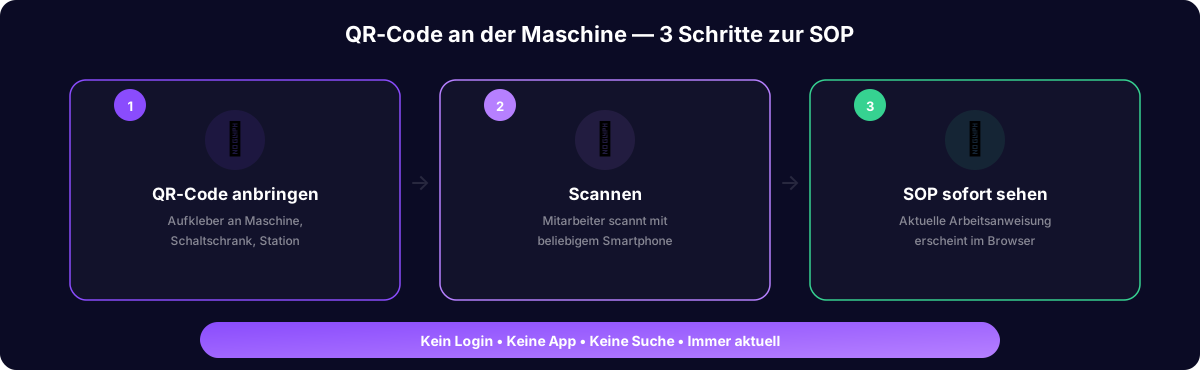
QR-code-based work instructions solve this problem at the root: the code sits on the machine. The operator scans it with any smartphone. The current version of the work instruction appears instantly in the browser. No login, no password, no app.
How Soperion generates and manages QR codes
Every SOP generated by Soperion automatically gets a unique QR code. It can be printed as a sticker and placed on the machine. The decisive advantage: when the SOP is updated — new revision, new step, updated image — the QR code stays the same. It always points to the latest version automatically. The sticker on the machine never has to be replaced.
For the auditor, this means: scan the QR code on any machine and see the current, released work instruction instantly, including revision number and release date. More impressive than any binder. Access can be configured per company — for example, restricted to users with a Soperion account, so data is only ever available to authorized personnel.
Use cases by industry
In manufacturing, the QR code sits on the rolling stand, the control cabinet, the assembly line, and the inspection station. In pharma, on the autoclave, the cleanroom entrance, the bioreactor, and the weighing cabinet. In logistics, on the pick rack, the packing station, the forklift, and the hazardous-goods storage.
In the hospital, on the hand-sanitizer dispenser, the autoclave in the CSSD, the washer-disinfector, and the medication cabinet. In hospitality, on the fryer, the grill, the staff airlock, and the dishwasher. In hotels, on the housekeeping cart, the breakfast buffet, the linen storage, and the check-in counter.
Preguntas frecuentes
- Do employees need a special app?
- No. Every modern smartphone scans QR codes with the default camera app. The code opens the SOP in a mobile web browser. No download, no login, no password.
- What happens when the SOP is updated?
- The QR code stays the same. It automatically points to the latest released version. The sticker never needs to be replaced.
- Can temporary workers and subcontractors also use the SOPs?
- Yes — and that is one of the biggest advantages. Temporary workers and subcontractors have no company account, but everyone has a smartphone and can scan a QR code.
- Are QR codes robust enough for industrial use?
- Yes. QR codes can be printed on weatherproof, heat-resistant, and water-resistant stickers. Even when partially damaged, they still work thanks to built-in error correction.